Best docking station for laptops 2026

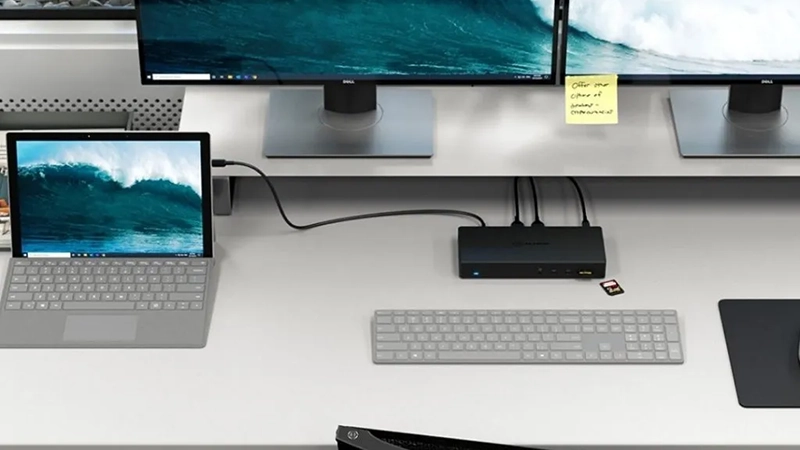
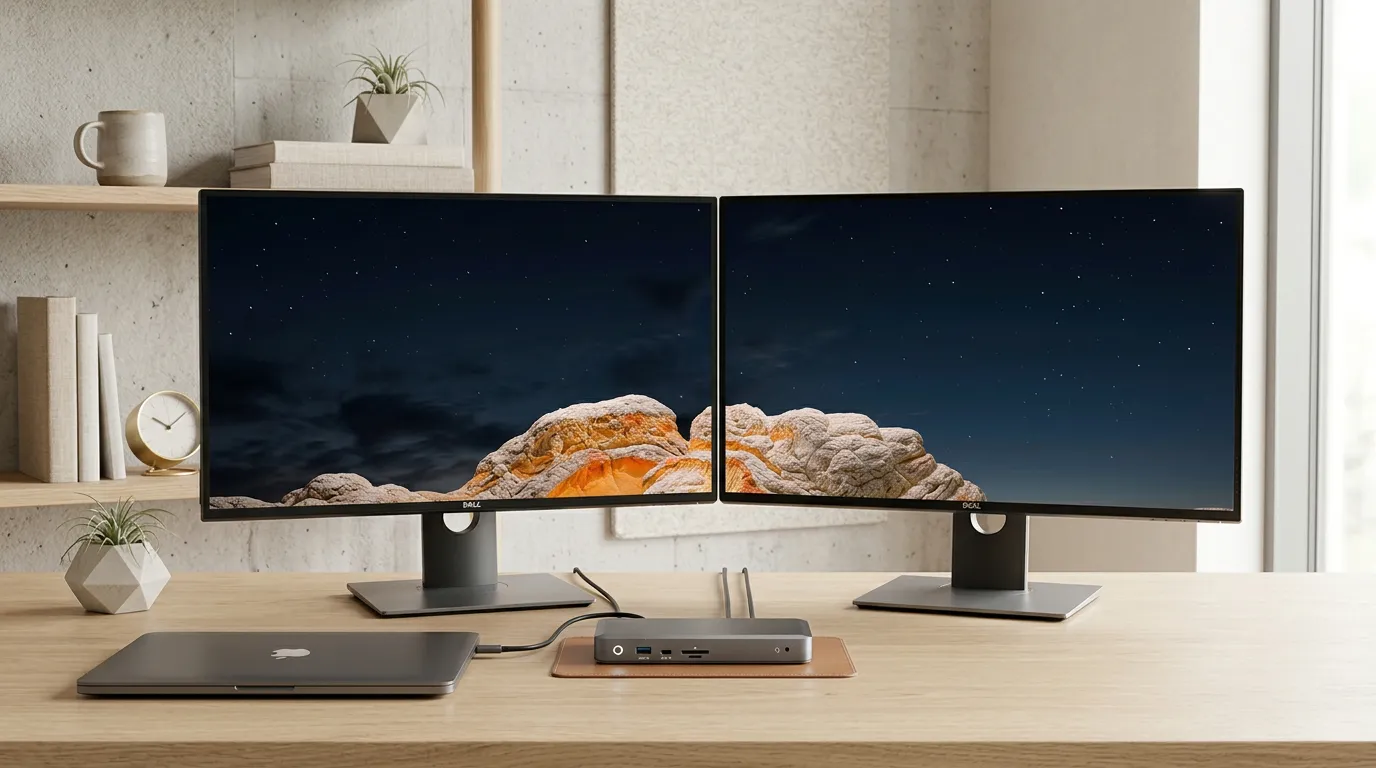
Docking station connected to a laptop and two external displays
Apr 18, 2026

Choosing the right docking station has become one of the most important decisions in the modern workplace. Laptops have become more powerful and slimmer, but at the same time, they have fewer ports. In 2026, the choice is no longer just about getting an extra HDMI output, but about building an entire workflow around a single cable. In this guide, we’ll go through what you need to consider, the differences between USB-C and Thunderbolt, and which is the best docking station for your laptop depending on how you work.
 

What is a docking station?

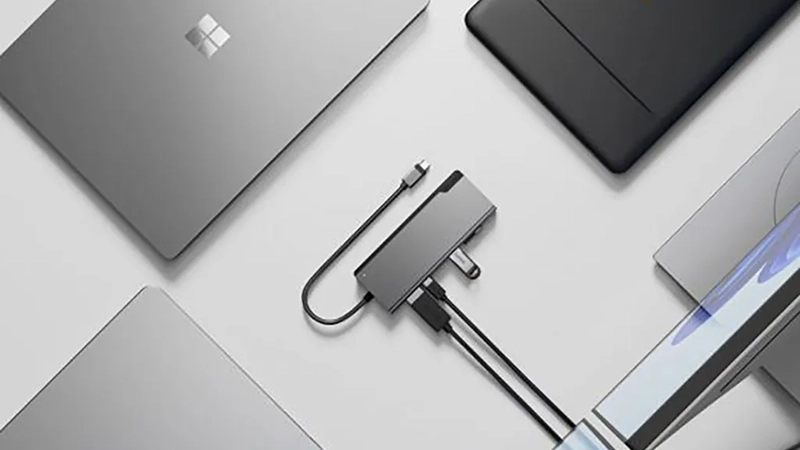
A docking station is an external device that connects to your laptop via a single cable and then acts as a hub for all your peripherals. Instead of plugging in a monitor, keyboard, mouse, network cable, USB drives, and charger separately, all you need to do is connect one cable when you get to your desk. The dock takes care of the rest.
Technically, a modern docking station combines several functions in one enclosure: video outputs (HDMI or DisplayPort), USB ports for accessories, Ethernet for a stable network connection, memory card readers, audio outputs, and power for the laptop via Power Delivery. The result is a far more productive desk setup, whether you work from home, at the office, or in a hybrid environment.

The main difference compared with a simple USB hub is power delivery and bandwidth. A hub gives you more ports, while a docking station also charges the laptop and handles multiple high-resolution displays at the same time.


Which docking station suits your needs?

The best docking station for your laptop is the one that matches the way you actually work. Before comparing specifications, it’s worth asking a few basic questions.

How many displays do you use today, and how many do you want to be able to connect in the future? For most office users, two external displays are enough, while creative professions such as video editing, 3D work, and financial analysis often require three. What resolution are the displays running at? A dock that supports 4K at 60 Hz delivers a noticeably sharper and smoother experience than an older model limited to 30 Hz.

Also think about charging. Modern business laptops from Dell, HP, Lenovo, MacBook Pro, and similar models often require 90–100 W to charge effectively under full load. If you choose a dock with too little power, your computer may lose battery while you work.

Finally, which accessories do you want to connect? An SD card reader is invaluable for photographers, Ethernet is essential in environments with sensitive data, and extra USB-A ports are still needed for many keyboards, headsets, and external drives.


USB-C, Thunderbolt, and number of displays

When buying a docking station in 2026, you’ll mainly come across two standards: USB-C and Thunderbolt. Both use the same physical connector, but their capabilities differ.

USB-C with DisplayPort Alt Mode and MST (Multi-Stream Transport) is more than sufficient for most needs. It supports two independent 4K displays, fast data transfers, and Power Delivery up to 100 W. The ecosystem is broad, the price is lower, and compatibility is high across both Windows and macOS.

Thunderbolt 4 and the newer Thunderbolt 5 add higher bandwidth, which matters most if you want to run three or four displays, an external GPU, or fast NVMe drives. Thunderbolt becomes relevant when you work with 6K video, real-time rendering, or large amounts of data.

When it comes to the number of displays, the rule of thumb is simple: always verify that both the laptop and the dock support the number of displays you want to run at the resolution you want. A computer with a limited graphics chip may theoretically connect three displays but in practice only drive two in 4K. On macOS, some M-series chips also have limitations on how many external displays they can handle without special technology such as DisplayLink.
 

Common mistakes when buying

The first and most costly mistake is choosing a dock based on price alone. A cheap dock without sufficient Power Delivery often forces you to keep your laptop’s original charger connected as well, which defeats the whole point of a single-cable solution.

Another common mistake is overlooking the refresh rate. The specification may sound impressive – “support for 4K” – but if the refresh rate stops at 30 Hz, the mouse pointer will feel choppy and the text will be tiring to read. Look for 4K at 60 Hz as a minimum.

Many people also forget to check compatibility between the dock’s chipset and their own laptop. It’s not uncommon for a dock to work perfectly in Windows but require additional drivers in macOS, or vice versa. Always check that the manufacturer officially supports both your operating system and your laptop model.

Finally, don’t underestimate the role of the cable. A poor USB-C cable can limit both bandwidth and power delivery, even if the dock itself is of the highest quality. Use the included cable, or switch to a certified replacement cable with the correct specification.
 

Our recommended models

Based on port selection, display support, and charging power, two models from Alogic stand out as particularly strong choices for 2026.

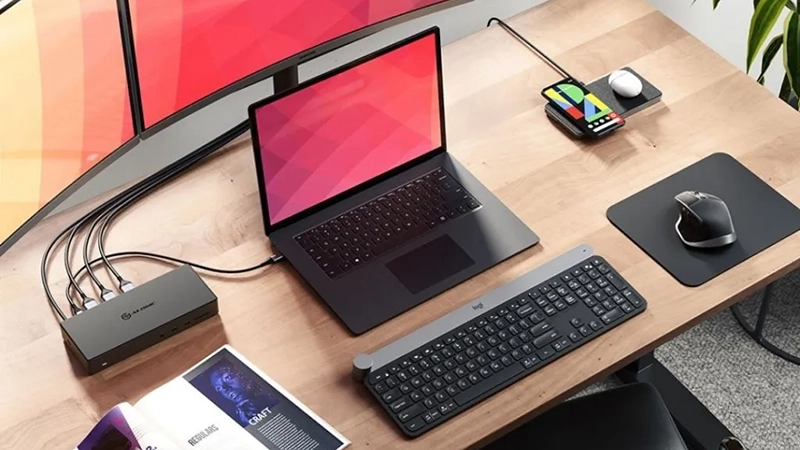
ALOGIC USB-C Docking Station for Triple 4K Displays (DUCMA3) is the recommendation for anyone who really wants to maximize their workstation. It supports three 4K displays at the same time and combines HDMI and DisplayPort with USB-A, USB-C, Ethernet, an SD card reader, and audio output. Its 100 W power delivery is enough for virtually all modern business laptops. The price is 3,499 SEK, and the dock is especially well suited to creators, developers, analysts, and anyone who needs maximum screen space.

ALOGIC USB-C Docking Station 100W PD (ULDPLSV2-SGR) is the smarter choice for office and hybrid users. Two 4K displays via HDMI and USB-C, Ethernet, two USB-A ports, both SD and microSD readers, and 100 W charging – all in an elegant space gray enclosure for 1,499 SEK. It’s one of the most complete docks in its price segment and, in practice, the best docking station for your laptop if you’re looking for a balance between price and performance.
 

Summary

The best docking station for your laptop in 2026 is the one that matches your actual needs for displays, ports, and charging – not the one with the most specifications on paper. For most people, a well-built USB-C dock with 100 W Power Delivery and support for two 4K displays is enough. If you need three displays or work with demanding creative workflows, it’s worth investing in a more capable model. Either way, with the right dock in place, you gain time, desk space, and peace of mind.

[SHARE]

About Alogic

ALOGIC is a global technology accessories brand that designs premium products to complement and elevate your favorite devices. With a passion for design, ALOGIC engineers accessories using high-quality materials in a minimalist style. Available in over 25 countries, ALOGIC prioritizes a customer-first approach, developing products they themselves use daily. The ALOGIC team is dedicated to creating innovative solutions that push the boundaries of technology to deliver powerful and convenient accessories that enhance the user experience.

8% discount on your first purchase

Sign up and get your discount code immediately.

96% choose to register

🎉 Your discount code:

Use this code at checkout to get 8% off.