
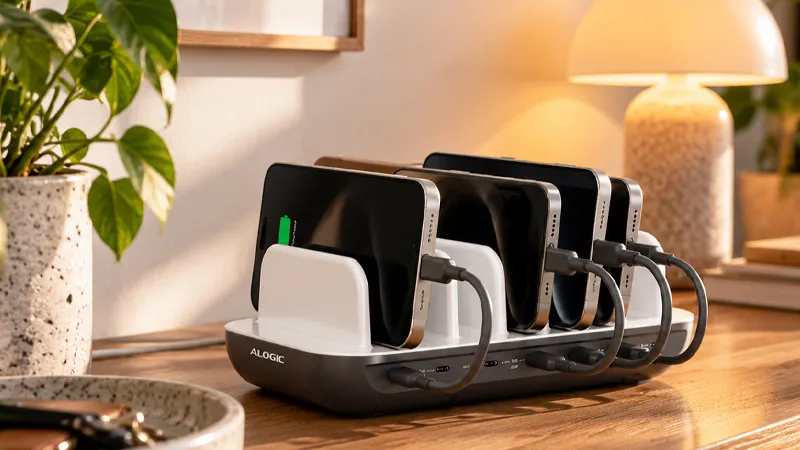
Mobile phones, tablets, headphones, smartwatches, and computers. The number of devices that need charging at home just keeps growing, and with them come all the cables and chargers. But getting your charging setup in order doesn’t actually have to be that complicated.
With a few simple changes, you can create a practical charging spot where the family’s devices always have a place to go. Here, we go through how to reduce cable clutter, choose the right charger, and make everyday life smoother with smart charging solutions from ALOGIC.
Bring charging together in one place
The first step toward better organization is deciding where charging will happen. In many homes, chargers are scattered across bedrooms, living rooms, and kitchens. The result is often that both cables and devices disappear just when you need them.
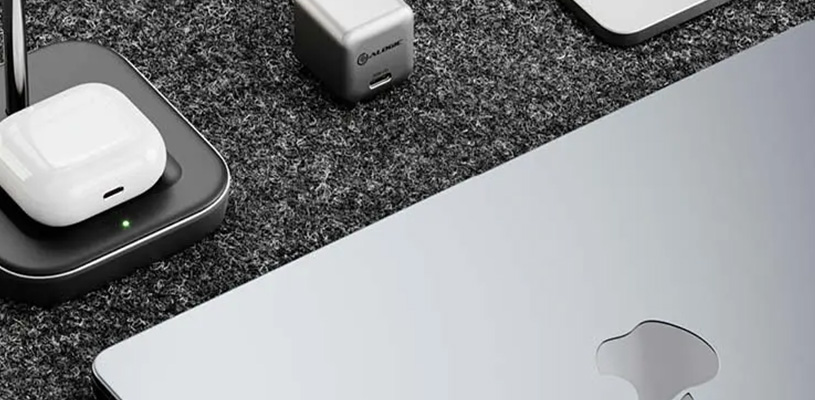
Instead, choose a place where the family’s devices can gather. It could be a shelf in the hallway, a corner of the desk, or a small area on the kitchen counter. With a charging station like ALOGIC Powerfin, several devices can charge from the same place, reducing the need for separate power adapters.
Choose a charger that can handle multiple devices
A common reason charging gets messy is that every product has its own charger. By choosing a charger with multiple USB ports, you can reduce the number of adapters that need to be plugged into wall outlets.
ALOGIC also offers compact GaN chargers with multiple connections. GaN stands for gallium nitride and makes it possible to build efficient chargers in a smaller format. For example, a 45 W dual USB-C charger can be a good fit for a mobile phone and a tablet, as long as the devices’ power requirements are within the charger’s capacity.
Adapt charging to the family’s needs
Not all devices need the same amount of power. A pair of wireless headphones requires far less power than a laptop, and a charger that works perfectly for a phone is not always enough for a computer.
Start by taking stock of which products actually need to be charged every day. Then check which connections and how much power they require. If several devices are to be charged at the same time, it is especially important to look at the charger’s total output and how it is distributed across the ports.
Avoid cable clutter with simple tricks
Even with a good charging station, cables can quickly create clutter. One simple trick is to choose cables with the right length for the place where they will be used. Cables that are too long easily end up in large loops, while cables that are too short can make charging impractical.
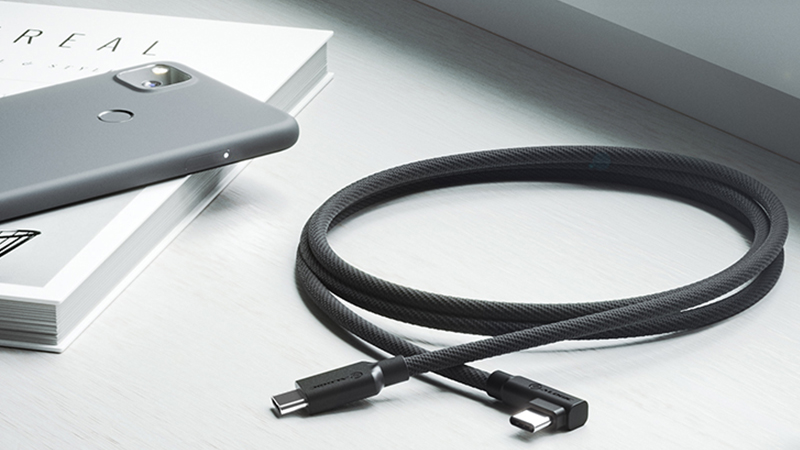
Feel free to use small cable clips or Velcro straps to gather excess cable length. Label the cables if the family uses several similar connectors. That makes it easier to find the right cable and avoid someone accidentally taking the one that belongs to the shared charging station.
Make charging a natural routine
A well-planned charging station is not just about technology, but also about habits. If everyone knows where phones, headphones, and tablets should be charged, it becomes easier to stay organized and make sure the devices are ready when needed.
Try to create a simple routine where devices are put on charge at the same time every day. Combine that with the right charger, a few well-placed cables, and a clear place for each device. Small changes can make a big difference to how organized the home feels.
FAQ
Can I charge several devices at the same time with one charger?
Yes, many modern chargers have multiple USB ports and can charge several products at once. The important thing is to check the charger’s total output and how much each port can deliver. When several devices are connected, the power may be distributed between the ports, which can sometimes affect charging speed.
What is the difference between GaN chargers and regular chargers?
GaN chargers use gallium nitride instead of traditional silicon components in parts of the electronics. The technology can make it possible to build smaller and more efficient chargers, especially at higher power levels. However, that does not automatically mean that all GaN chargers charge faster. Charging speed also depends on the device and the charging standard.
Can I use the same USB-C charger for my phone and my computer?
Yes, in many cases that works well, but the charger must be able to deliver enough power. A mobile phone can often be charged with much less power than a laptop. So check the computer’s recommended charging power and make sure the charger supports the correct USB-C standard, such as USB Power Delivery.
Is it safe to let several devices charge at the same time?
Yes, if you use chargers and cables intended for the purpose and follow the manufacturer’s instructions. Make sure the charger has good ventilation and is not covered by textiles. Avoid damaged cables and overloaded power strips. Choose products that meet relevant safety requirements.
How do I stop charging cables from tangling?
Start by gathering charging in one designated place and use cables that suit the distance to the devices. Cable clips, Velcro straps, and small labels help you stay organized. If several products use USB-C, a shared charging station can also reduce the number of cables and adapters needed.