
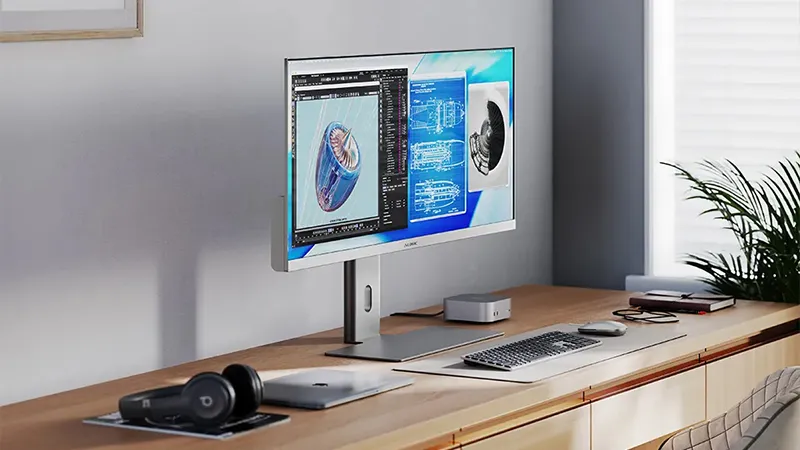
Imagine arriving at your desk, connecting a single cable to your computer, and being ready to start work. The screen wakes up, the computer begins charging, and your accessories are already connected. With a modern USB-C display from ALOGIC, you get both a monitor and several docking station functions in one product.
It is easy to underestimate how much time is spent on small tasks at the computer. The charger has to be connected, the external display needs its cable, and the keyboard, mouse and other accessories should ideally work without hassle. Especially if you use a laptop and often switch between the office and other workspaces. A display with a built-in USB-C hub can make everything much simpler. But how does it actually work, and what should you consider when choosing a display?
More than just a display
A traditional external display receives a video signal from the computer and shows it on a larger screen. Of course, that still works perfectly well, but many newer displays can do much more than that.
ALOGIC has several models that combine high resolution with USB-C connectivity and power delivery. One example is the Clarity 27, a 27-inch display with 4K resolution and support for up to 90 W charging via USB-C.
In addition to video, the same USB-C connection can be used for data transfer to compatible USB accessories connected to the display. That means you can leave some of your accessories plugged in at your desk and only connect your computer when you arrive.
It is, however, important to check your computer's USB-C port. Not all ports support video output, and some computers require specific connections for the features to work together.
Fewer cables and less to think about
One of the nicest advantages of USB-C is the ability to combine several functions in a single connection. With a compatible computer and display, the same cable can carry video, data and power.
Take the ALOGIC Clarity Pro 27, for example. It has a 4K panel, built-in USB-C connectivity with up to 65 W power delivery, and an 8-megapixel pop-up webcam.
That makes it particularly appealing for anyone who spends a lot of time in video meetings during the workday. The camera is already built into the display and can be folded away when not in use. At the same time, you can avoid a separate charging cable if your computer's power needs fit within the display's capacity.
A computer that needs more power may still require its usual charger, especially for demanding work. That is why it is wise to compare the display's charging output with your computer's needs before you decide.
When you need more workspace
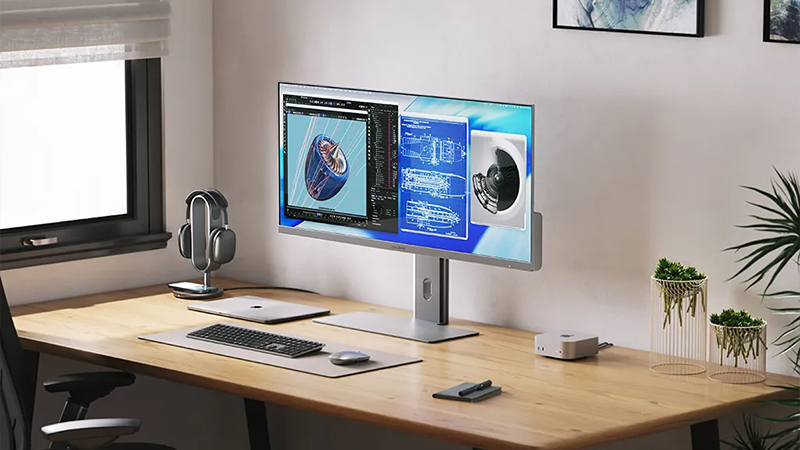
Of course, not everyone works the same way. If you mainly write documents, answer emails and use a browser, a standard 27-inch display can take you a long way. But if you work with large spreadsheets, multiple programs at once or creative projects, a wider display can be an interesting option.
ALOGIC EDGE 34 is an ultra-wide 34-inch display with a resolution of 3440 × 1440 pixels and a 21:9 aspect ratio. It also has a 100 Hz refresh rate and USB-C connectivity with up to 90 W charging.
The extra width makes it possible to place several windows side by side without having to switch between them as often. For example, you can keep a document open on one side and research material on the other, or work with multiple timelines in an editing program.
That does not mean an ultra-wide display is always the best choice. For anyone who prioritizes maximum detail sharpness, a 4K display may still be more suitable. The choice is mainly about how you use your workspace.
The display can become the hub of your desk
The advantage of a display that also works as a USB-C hub is that your desk becomes easier to use. Instead of reconnecting several cables every time, the connections can stay in place.
If you have a permanent workspace at home and another in the office, the same principle can be used in both places. When the workday ends, you disconnect the computer and take it with you. The next time you sit down, you connect it again.
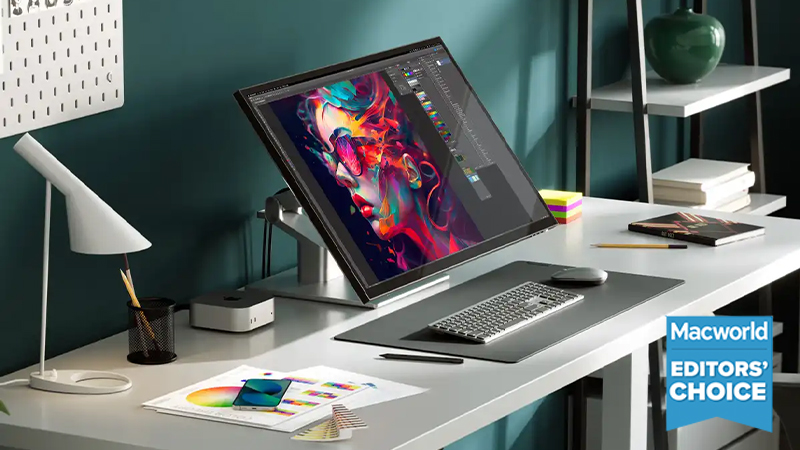
For many people, it is this simplicity that makes the biggest difference. Not an extra port or a new feature in itself, but technology that demands a little less attention.
Choose a display based on your needs
Before choosing a new display, it is worth considering three things: how much workspace you need, which connections you use, and how much charging your computer requires.
A 27-inch 4K display is a good fit when you prioritise sharpness and a more traditional aspect ratio. An ultra-wide model may be better if you work with many windows at the same time. And for anyone who often joins digital meetings, a model with a built-in webcam can be especially practical.
With ALOGIC, there are several options that combine image quality, connectivity and charging. And once everything is in place, the result can be a desk where you actually need to think less about cables and more about the work you need to do.
FAQ
What is a display with USB-C docking?
It is a display that can handle more than just showing an image. Depending on the model, you can connect USB accessories and charge a compatible laptop through the same USB-C cable. That means the display can replace parts of a separate docking station.
Can I charge my laptop directly from the display?
Yes, if both the computer and the display support USB-C Power Delivery. The amount of power that can be delivered varies between models. ALOGIC Clarity 27, for example, supports up to 90 W, while Clarity Pro 27 supports up to 65 W.
Do I need a special USB-C cable?
Yes, the cable must support the functions you want to use. Not all USB-C cables support video transmission or the same levels of data transfer and charging. Use a cable designed for display connection and make sure your computer's USB-C port supports video output.
Is an ultra-wide display better than a regular 4K display?
It depends on the task. An ultra-wide display gives you more horizontal space for multiple windows, while a traditional 4K display has higher pixel density at comparable sizes and may be better for detailed work. Both options have advantages depending on how you work.
Do ALOGIC displays work with both Mac and Windows?
Several ALOGIC displays are compatible with both Mac and Windows computers. However, features may vary depending on the computer's connections and support for external displays. Always check the model's specifications before connecting your computer.