
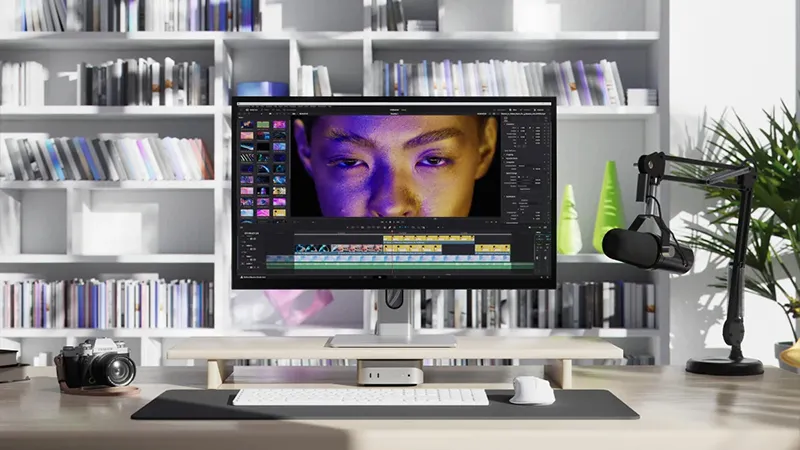
Rumors of a MacBook Pro with a touchscreen have been circulating for years. Now, several reports suggest that Apple may actually be preparing to launch a touchscreen for MacBook sometime in late 2026 or 2027. For many creators, that naturally sounds appealing.
But the truth is that you do not have to wait for Apple to get a touchscreen for your Mac today. There are several external displays that work very well with MacBook and Mac mini, and for some workflows they can actually be far more useful than a built-in touchscreen on a laptop.
Does the Mac really need a touchscreen?
Apple has long argued that macOS is built for the mouse, trackpad and keyboard. At the same time, many creators have grown used to using touchscreens on other platforms, especially for illustration, video editing and design work.
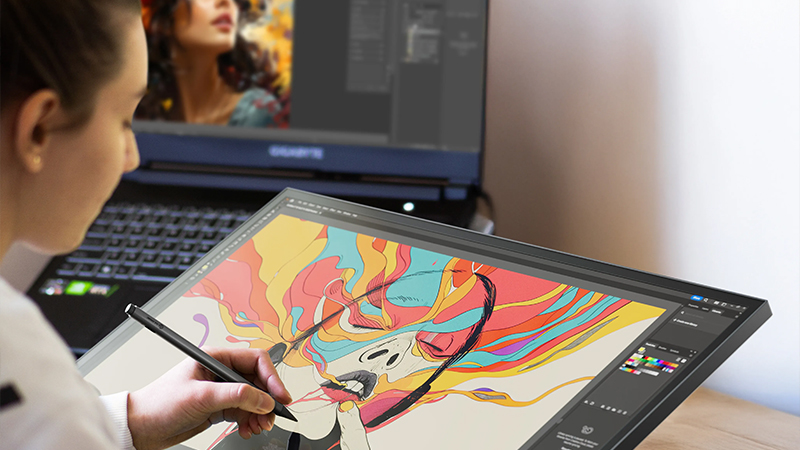
An external touchscreen for MacBook opens up a different way of working. Instead of constantly switching between keyboard, mouse and different shortcuts, you can quickly zoom, pan, select or navigate directly on the screen. For some tasks, it is not about replacing the mouse, but about complementing it.
How a touchscreen works with macOS
A common misconception is that macOS does not support touchscreens at all. That is not quite true. Modern external touchscreens communicate via USB-C and function as a combination of display and input device.
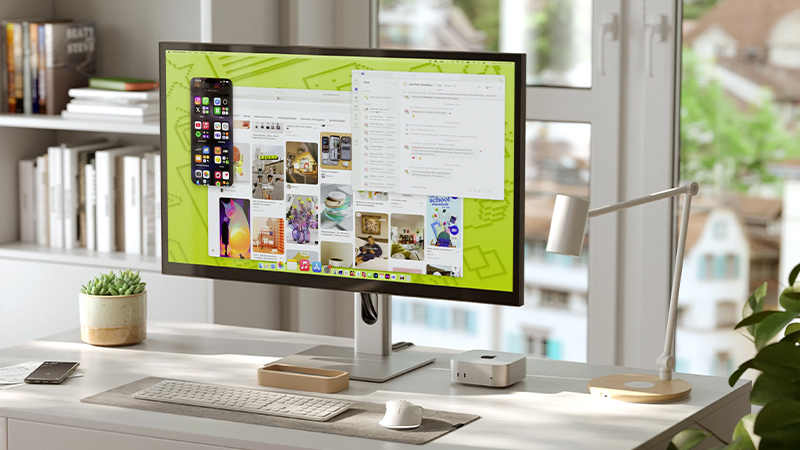
There are, however, some differences compared with an iPad. macOS is still designed around the traditional pointer, which means not every app is optimized for finger control. For creative users, stylus support is often what makes the biggest difference. A pen offers greater precision for editing, drawing and detailed work than fingers ever can.
For video editing and color grading - 32 inches and 6K
If you work a lot in Premiere Pro, Final Cut Pro or DaVinci Resolve, screen real estate is often more important than anything else. A larger workspace makes it easier to keep timelines, previews, color tools and media libraries open at the same time.
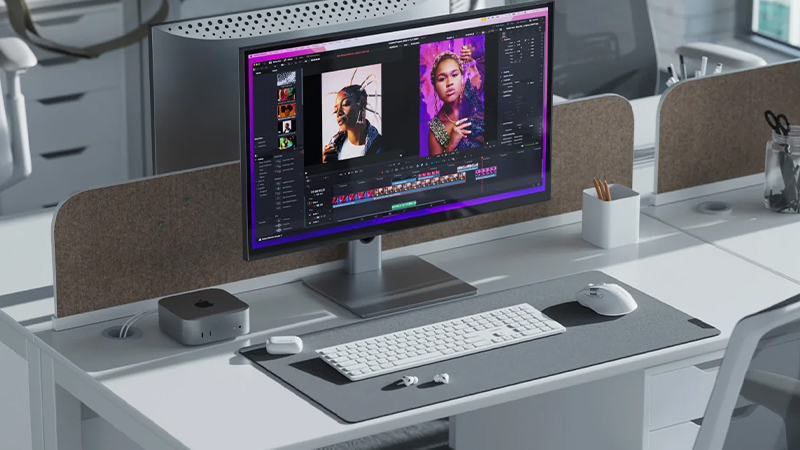
A model like Alogic Clarity 32” 6K Touch is aimed squarely at that kind of user. The combination of high resolution, a large workspace and touch control lets you navigate projects, zoom in on footage and work more directly with the content. For many video editors, the main benefit is not touch itself, but that it is paired with a display that is actually built for professional creative work.
For designers and hybrid work - 27 inches 5K Touch
Not everyone needs a giant 32-inch display. For many designers, photographers and creators who work from home or in the office, 27 inches is a very good compromise.
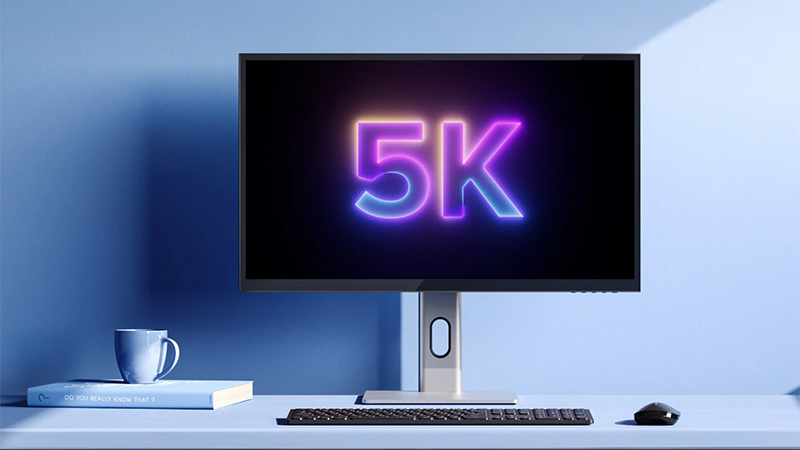
A 5K touchscreen for MacBook delivers high detail without dominating the desk. Here, touch is often most useful for image handling, layout work and navigation in creative apps. Combined with USB-C docking, a single cable can connect video, data and power to your MacBook, making the workspace much cleaner.
For flexible workspaces - Fold Touch
Not every creator sits in the same place every day. Hybrid work has become the norm for many, and that changes the requirements for equipment.
Alogic Fold Touch 27” is an example of a display that combines touch functionality with flexibility. The built-in webcam and streamlined design make it interesting for users who move between creative projects, video meetings and work in different locations. For anyone who wants a touchscreen for creators without building a permanent desk setup, that kind of solution can be far more practical.
When does touch boost productivity?
A touchscreen is not automatically better. For some users, the mouse and keyboard will still be the fastest way to work.
Touch makes the biggest difference when you often work visually and directly with what is on screen. That can mean zooming in on images, moving objects, navigating timelines or sketching with a stylus. If you mainly write documents, work in spreadsheets or handle email, the benefit will probably be much smaller.
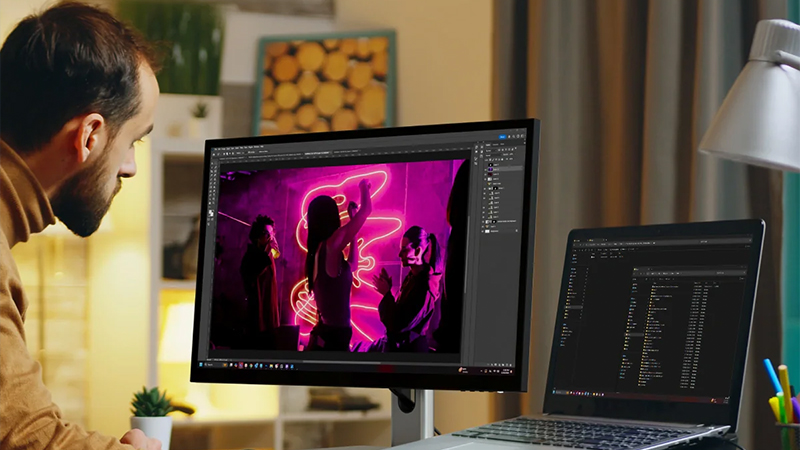
A good rule of thumb is to ask how much time you actually spend in creative tools each day. The more visual the work, the greater the chance that a touchscreen becomes a real productivity tool rather than a fun feature that gets used for the first few weeks and then forgotten.
Checklist before choosing a Mac touchscreen
Before you decide, it is worth thinking about a few things:
- How much workspace do you need?
- Is color accuracy important for your work?
- Do you want to use a stylus?
- Do you need built-in USB-C docking?
- Do you work mostly at a desk or on the go?
Answering those questions often makes the choice much easier.
Conclusion
Apple may be heading toward a MacBook Pro with a touchscreen, but for creators who want touch today, there is no reason to wait. External touch displays have matured significantly in recent years and offer features that many professional users actually get more value from than a built-in touchscreen in the lid of a laptop.
For video editing, a larger 6K display is the best fit. For design and creative office work, 27 inches and 5K is often the sweet spot. And for hybrid work, there are more flexible options that combine touch with portability. The important thing is not whether the display has touch, but whether it fits the way you actually work.
FAQ
Will the MacBook get a touchscreen?
There is strong evidence that Apple is working on a MacBook Pro with a touchscreen, but current reports suggest it will not arrive until late 2026 at the earliest, or later.
Do external touchscreens work with Mac?
Yes. Modern touchscreens that connect via USB-C work with macOS and can be used for navigation, creative workflows and stylus input.
Which touchscreen is best for video editing?
For video editing, a larger high-resolution display is often best. A 32-inch 6K display gives you plenty of room for timelines, tools and previews.
Are touchscreens good for designers?
Yes, especially if you work with illustration, layout or image editing. A stylus together with a touchscreen can create a more direct workflow.
Is touch on Mac a gimmick?
Not for everyone. For creative users, touch can provide faster navigation and more intuitive control, while for others it is mainly a complement to the mouse and keyboard.