
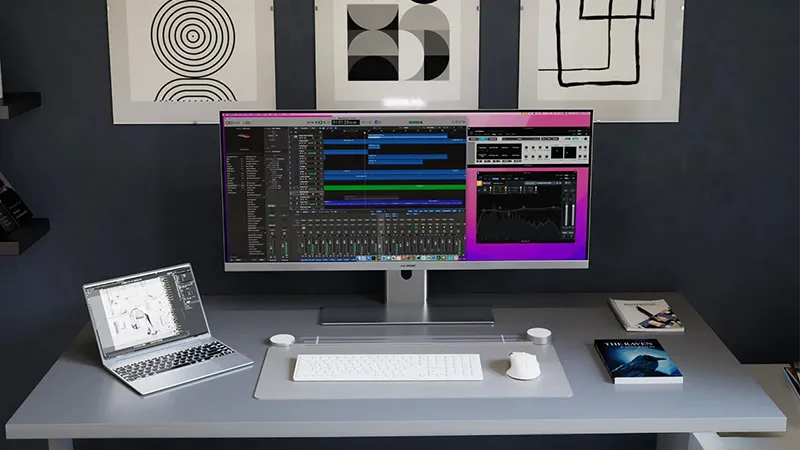
If you spend most of your day in front of a computer, you have probably asked yourself the same question as many others: is it better to have one large ultrawide monitor or two separate screens?
It is a question that has become increasingly relevant as the home office has become a permanent part of working life. Many people have already discovered how much more efficient work becomes when you move on from a single laptop screen, but the next step is less obvious. Should you go for two traditional monitors or a modern ultrawide? The answer depends less on the technology and more on how you work.
In short
- Choose ultrawide if you want a cleaner workspace, fewer cables, and a more seamless work experience.
- Choose dual monitors if you often work with clearly separated work areas or need multiple screens in different directions.
- For most modern home offices, an ultrawide with USB-C docking is the solution that offers the best balance of productivity, ergonomics, and simplicity.
Why a larger workspace makes you more productive
Several studies show that productivity increases when users move from a single screen to multiple work areas. Depending on the task, the results vary, but improvements of between 10 and 42 percent are often mentioned in research and tests on screens and workflows.
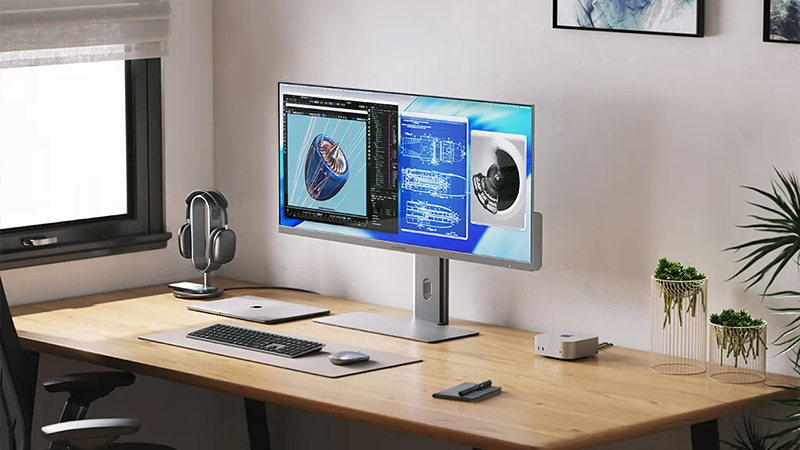
The reason is fairly simple. When you no longer have to switch between windows all the time, there are fewer interruptions in your work. Documents can stay open next to spreadsheets, video meetings can run while notes are being taken, and reference material is always available without anything needing to be minimized or moved around.
Dual monitors - still a favorite in many offices
Two monitors have long been the standard choice in offices around the world. There are good reasons for that. The split between the right and left screen feels natural and makes it easy to organize work.
Many developers, for example, appreciate having code on one screen and documentation on the other. Finance professionals can keep spreadsheets on one screen and reports on the other. Sales teams can work in CRM systems while email and customer information remain open beside them.
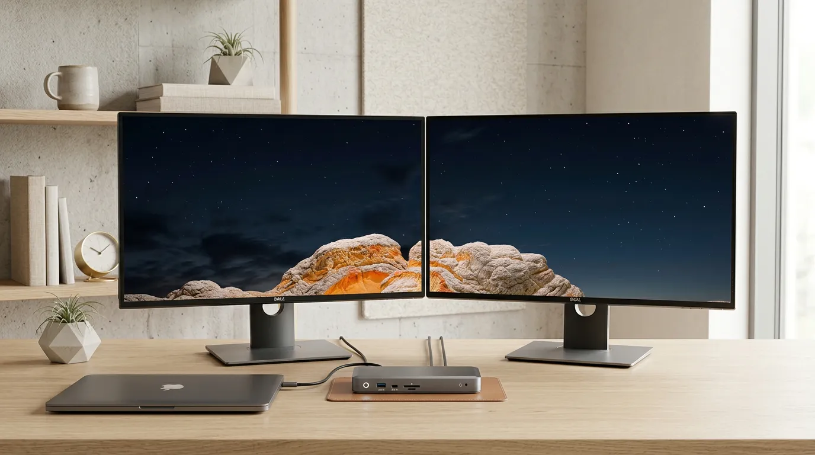
Another advantage is flexibility. Two monitors do not have to be identical. Some people use a landscape monitor together with a portrait one for documents, code, or web review. You do not get that kind of flexibility with an ultrawide in the same way.
Ultrawide - a large workspace without interruptions
An ultrawide monitor solves the same problem in a different way. Instead of two separate screens, you get one continuous workspace without bezels in the middle.
It may sound like a small detail, but in practice it makes a big difference. Timelines in video editing are easier to overview, large spreadsheets get more room, and several application windows can sit side by side without anything feeling cramped.
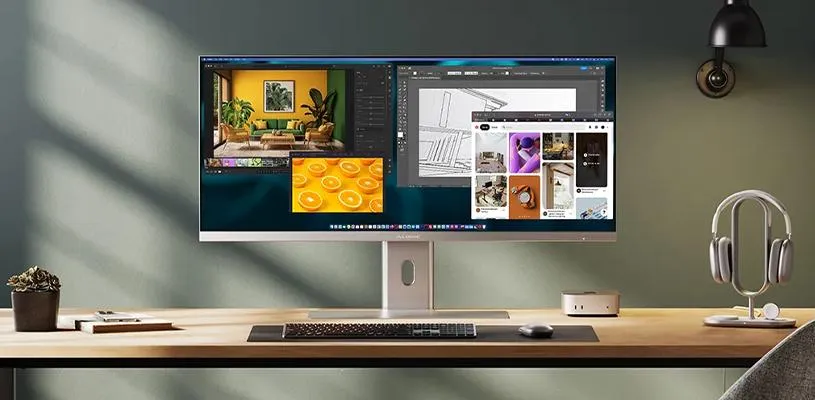
That is also why ultrawide has become so popular among creators, analysts, and people who work with many open windows at once. A modern 21:9 screen often provides the same workspace as two smaller monitors, but with a much cleaner visual impression.
Which setup suits your work best?
For programmers, both options are strong contenders. Dual monitors work very well for code and documentation, while an ultrawide for programming provides a more continuous workspace where several code files can be shown at the same time.
If you work with finance, analysis, or large spreadsheets, ultrawide often comes out on top. The extra width means more columns can be shown at once and reduces the need to scroll back and forth.
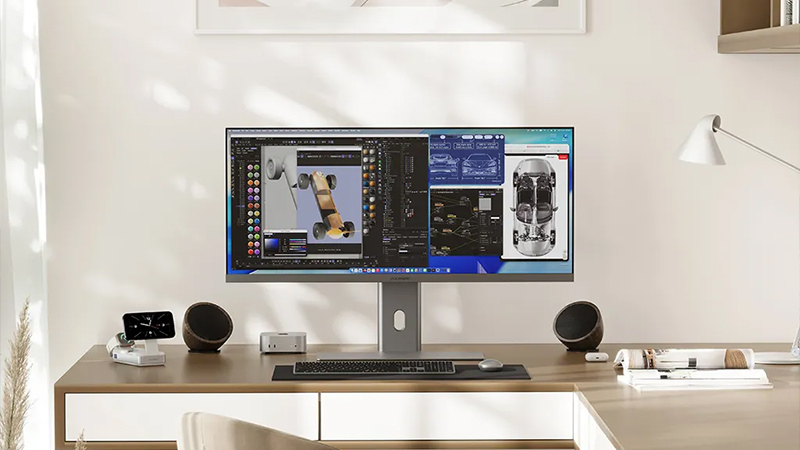
For video editing, image editing, and design, ultrawide is almost always an advantage. Timelines, tool panels, and previews get much more room without competing for space.
Salespeople, project managers, and administrators juggling CRM systems, Teams, email, and browser windows may, however, be equally happy with either solution. Here, the choice is more about personal preference than actual productivity.
The hidden argument - cable clutter
When people compare monitors, they often focus on resolution, size, and color reproduction. What is rarely discussed is how much time actually goes into managing the equipment around them.
Two monitors often mean two power cables, more video cables, and sometimes even a separate docking station. Especially in a home office, that can quickly get messy.
This is where modern ultrawide monitors have a clear advantage. Models with built-in USB-C docking can handle video, data, and charging through a single cable. When the workday starts, you plug in your computer and everything works straight away. Keyboard, mouse, network, and monitor all activate at the same time.
Why the Edge 40 5K2K stands out
The Alogic Edge 40 5K2K is a good example of how the ultrawide concept has evolved in recent years. The 40-inch workspace provides plenty of room for multiple application windows at once, while the 5K2K resolution keeps text and graphics sharp even when a lot of information is shown on screen.
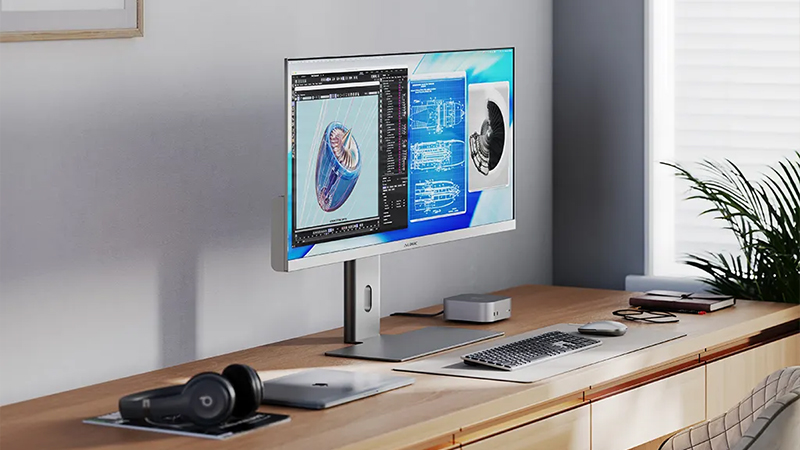
What makes it especially interesting for home offices is the built-in USB-C docking with up to 90 W charging. That means a compatible laptop can receive power, video, and data through the same cable. For many users, that means fewer accessories on the desk and a much simpler workspace.
So which solution should you choose?
In the debate between ultrawide and dual monitors, there is really no universal winner. Both options can deliver a clear productivity boost compared with working on a single screen.
But if the goal is to create a modern, clean, and easy-to-use home office, it is hard to ignore the advantages of a large ultrawide monitor. The combination of a continuous workspace, fewer cables, and built-in USB-C docking means that many users never go back to dual monitors once they have tried it.
FAQ
Is ultrawide better than dual monitors?
It depends on the tasks. Ultrawide gives you a continuous workspace without bezels, while dual monitors provide clearer separation between different programs and workflows.
Do dual monitors increase productivity?
Yes, compared with a single screen, productivity can increase noticeably. The same is often true for ultrawide monitors, but in a slightly different way.
Is a 40-inch ultrawide too large for a home office?
Not necessarily. Many 40-inch models are roughly equivalent to two 24- or 27-inch monitors side by side and work very well on standard desks.
What does 5K2K mean?
5K2K is an ultrawide resolution that offers significantly more pixels than traditional QHD. The result is more workspace and sharper detail.
Is USB-C docking important in a monitor?
For hybrid work, it is one of the most appreciated features. A single cable can handle charging, video, and data, making the desk much easier to use.