



 Svenska
 Dansk
Dansk
 Norsk
Norsk
 Suomi
Suomi
 Eesti
Eesti
 Latviešu
 Lietuvių
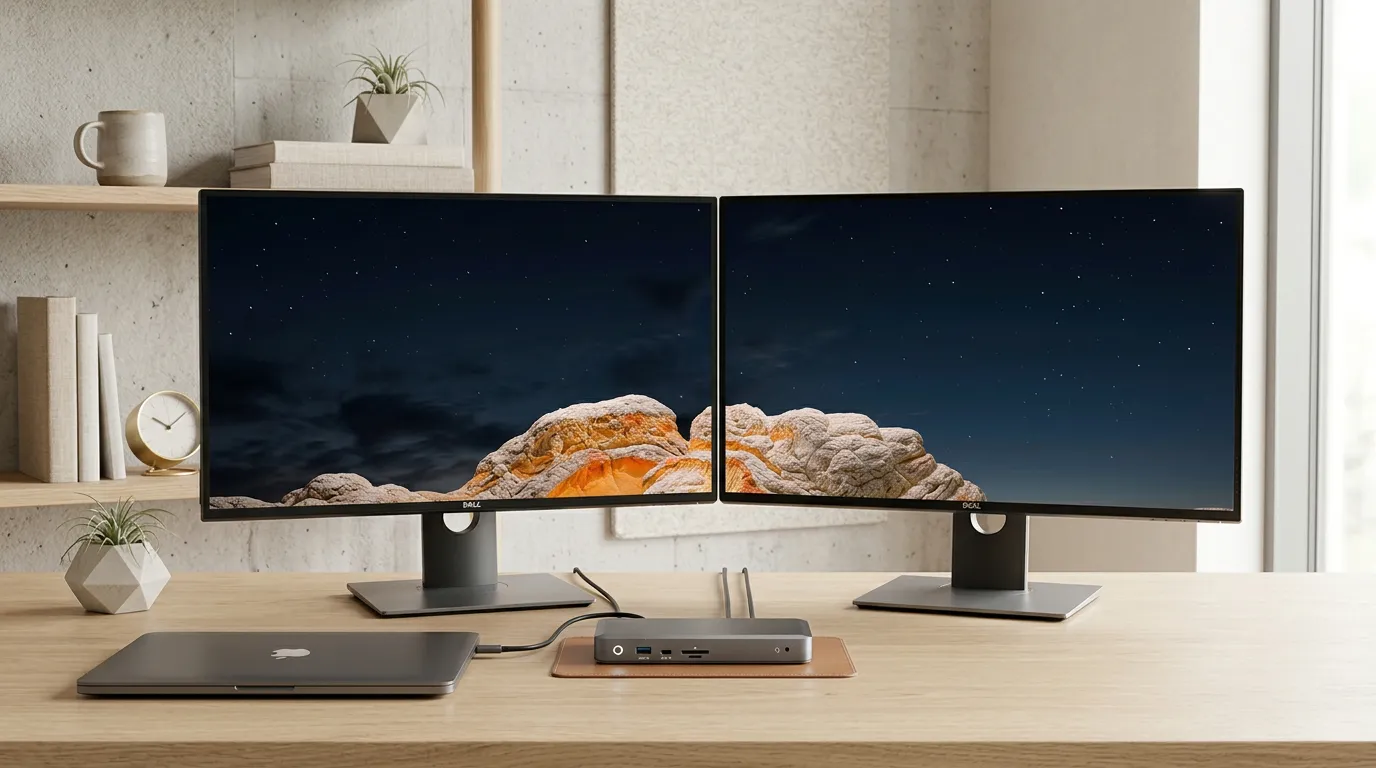
Choosing the right docking station has become more important than ever. As modern laptops grow thinner and more powerful, built-in ports are rapidly disappearing. Today, a docking station is no longer just about adding a few extra connections -it is about creating a seamless, high-efficiency workflow centered around a single cable.
What a Docking Station Actually Does
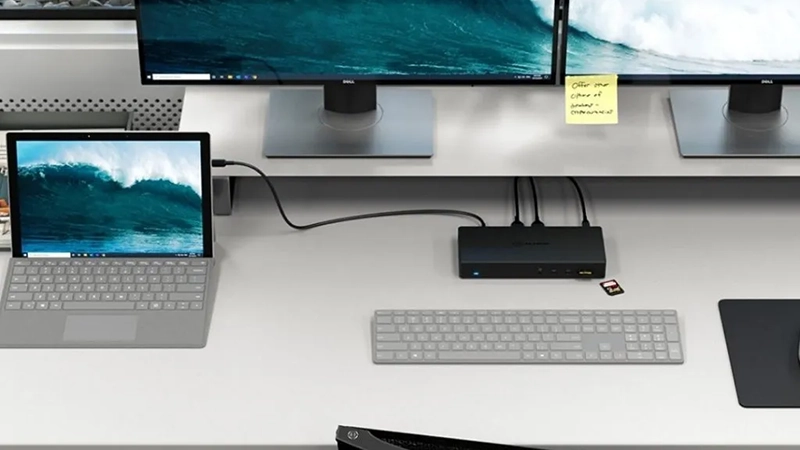
A docking station acts as the central command hub for your entire desk. By connecting just one cable to your laptop, you can instantly link multiple monitors, keyboards, network cables, and external drives—all while charging your computer via Power Delivery (PD).
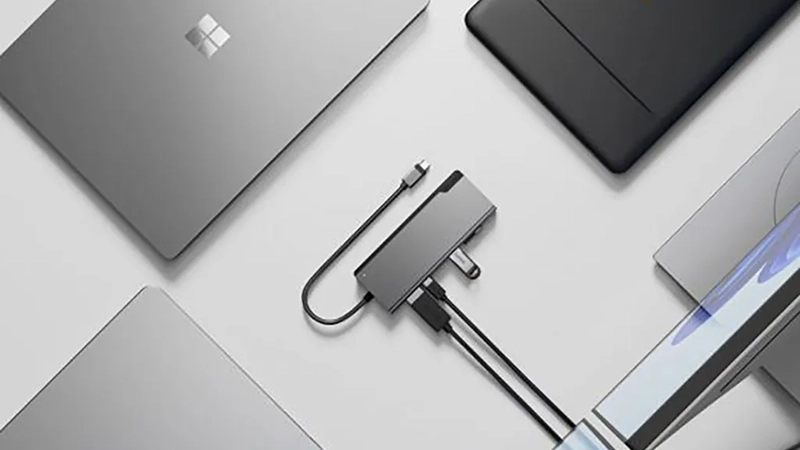
The Hub vs. Dock Difference: While a standard USB hub merely splits your existing ports, a dedicated docking station offers significantly higher bandwidth, advanced display management, and robust power delivery. A good dock doesn’t just clean up your cable clutter; it radically transforms your daily productivity.
USB-C vs. Thunderbolt: What Do You Need?
When shopping for a docking station, start by analyzing your actual daily workflow. Ask yourself:
-
How many external monitors do I actively use?
-
Do I require a 4K resolution at a smooth 60 Hz refresh rate?
-
Does my laptop demand a high-wattage charge (e.g., 100W)?
For creative professionals, developers, and users running multiple high-resolution displays, a Thunderbolt 4 or Thunderbolt 5 dock is usually the best choice to handle massive data loads. For standard office tasks, data analysis, and hybrid workspaces, a high-quality USB-C dock is more than enough.
Common Mistakes to Avoid
It is incredibly easy to make the wrong purchase. Many buyers grab the cheapest model available, only to realize too late that it lacks adequate charging wattage or cannot support their monitor's refresh rate. Furthermore, always check compatibility with both Windows and macOS, and never underestimate the importance of the cable itself. A sub-par USB-C cable can severely throttle both data performance and charging speeds, rendering even the most powerful dock useless.
Our Top Recommendations
Based on port selection, multi-display stability, and reliable power output, two standout models from Alogic represent the premier choices for your workstation.
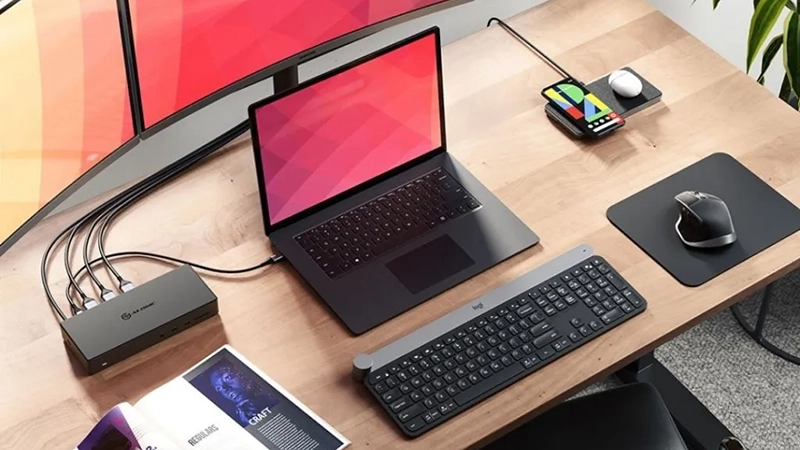
1. ALOGIC USB-C Docking Station for Three 4K Monitors (DUCMA3)
-
The Verdict: The ultimate choice for users looking to maximize their digital workspace.
-
Key Specs: Supports up to three 4K monitors simultaneously; features a rich mix of HDMI, DisplayPort, USB-A, USB-C, Gigabit Ethernet, an SD card reader, and audio pass-through.
-
Power: 100W Power Delivery—enough to rapidly charge virtually any modern workstation laptop.
-
Price: 3,499 SEK
-
Best For: Creators, software developers, financial analysts, and anyone who demands maximum screen real estate.
2. ALOGIC USB-C Docking Station 100W PD (ULDPLSV2-SGR)
-
The Verdict: The smartest, most cost-effective choice for standard office environments and hybrid remote workers.
-
Key Specs: Supports dual 4K monitors via HDMI, alongside USB-C, Gigabit Ethernet, twin USB-A ports, and both SD and microSD card readers.
-
Design & Power: Wrapped in an elegant space gray chassis delivering a full 100W of charging power.
-
Price: 1,499 SEK
-
Best For: Professionals looking for the perfect balance between price, performance, and everyday reliability.
Summary: Form Follows Function
The best docking station for your laptop isn't the one with the longest spec sheet—it’s the one that aligns with your specific display, port, and power needs.
For the vast majority of users, a well-built USB-C dock featuring 100W Power Delivery and dual 4K monitor support is the sweet spot. However, if you rely on a triple-monitor setup or manage heavy creative data workflows, investing in a top-tier Thunderbolt model is worth every penny. Whichever route you choose, the right dock will save you time, clear your desk space, and offer ultimate peace of mind.